Sunu Kalpeh
Send, Pay & Save Money in One Place
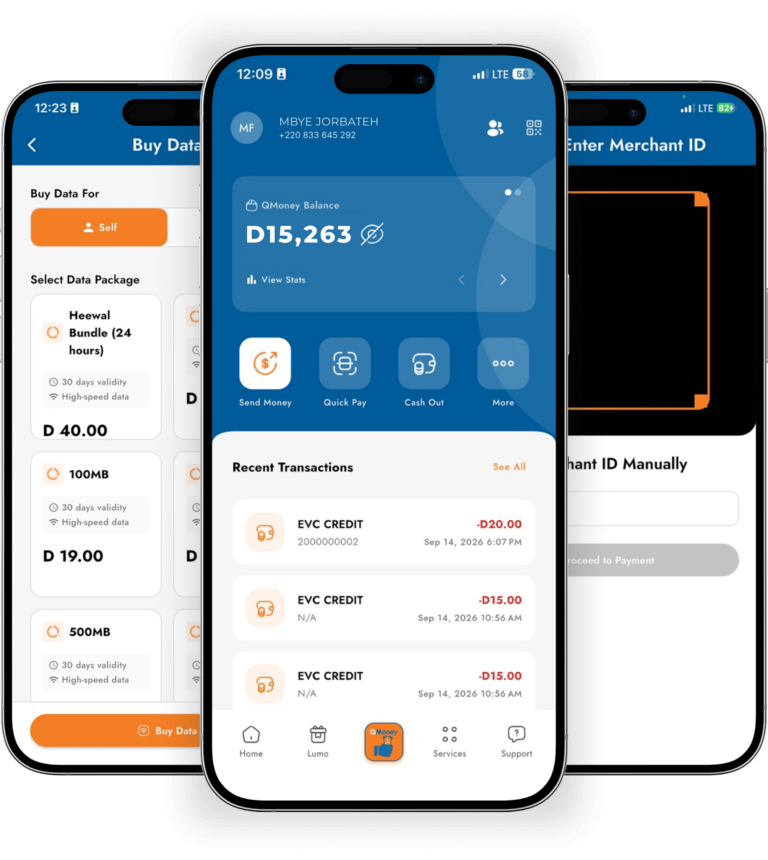
QMoney helps you send money, pay bills and make secure payments at participating businesses across The Gambia.
Don’t have the app? Dial *323# to access QMoney.
QMoney helps you send money, pay bills and make secure payments at participating businesses across The Gambia.
Don’t have the app? Dial *323# to access QMoney.
Five powerful services designed help you move, access and manage your money every day.
Send money to another QMoney wallet and receive funds directly on your phone.
Add money to your wallet or withdraw cash through an authorised QMoney agent.
Scan QMoney merchant's QR code to pay securely from your QMoney wallet.
Send money to Senegal and Sierra Leone directly from your QMoney wallet.
Connect your bank account to your QMoney wallet and move funds seamlessly.
Send money to someone who does not have a QMoney wallet. The recipient can collect the cash from an authorised QMoney agent using the secure code provided by the sender.
Pay bills from one place.
QCell, Africell & more
10+ institutions
NAWEC water
NAWEC prepaid
Postpaid, Government
QCell, 4G/5G internet
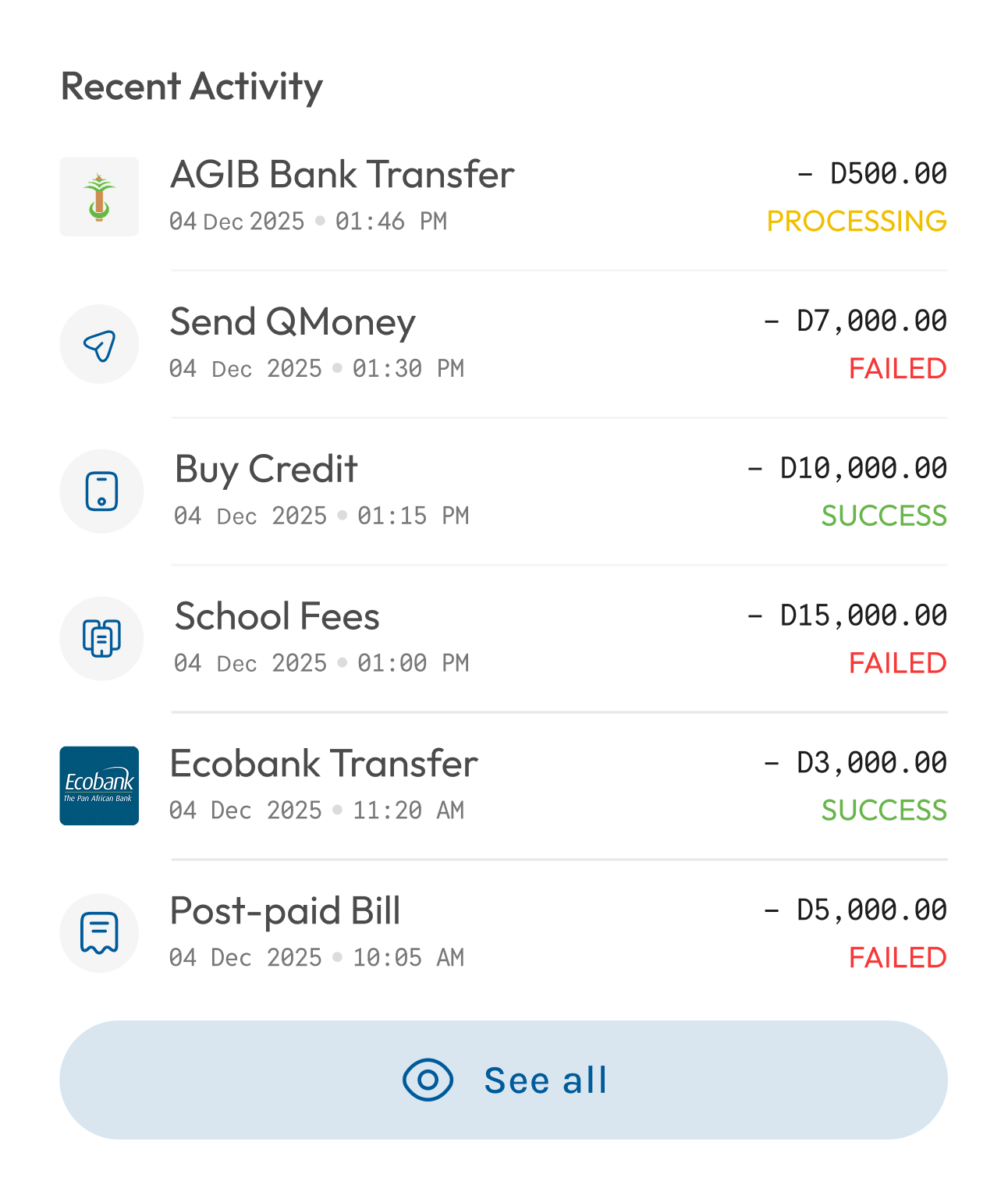
QCell payments with QMoney
Purchase airtime for yourself or another QCell number directly from your wallet.
Purchase QCell data bundles directly from your QMoney wallet. at half the price.
Settle your QCell postpaid bill directly from your QMoney wallet.
GovPay
GovPay allows you to pay for supported government services from your QMoney wallet. Reducing the need to travel or wait in long payment queues.
Government services like:
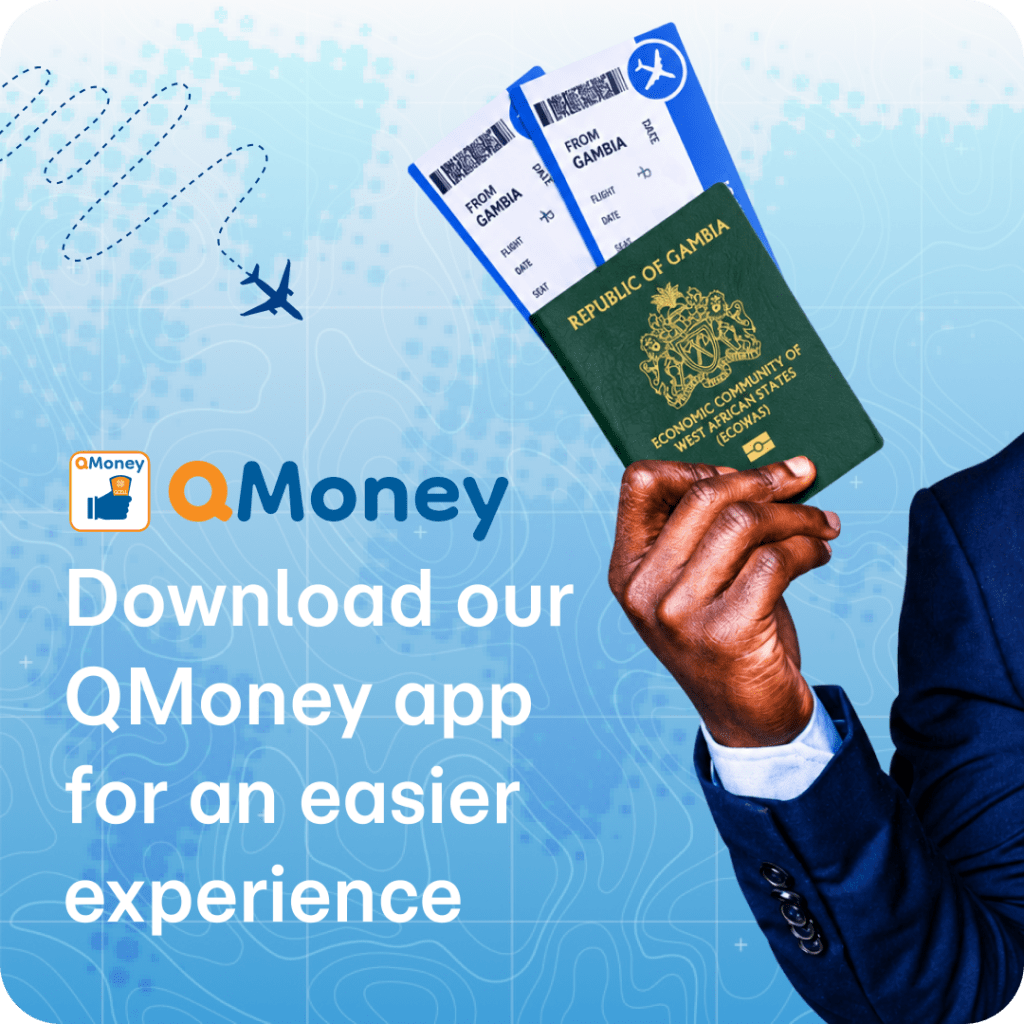
Solutions built for your business
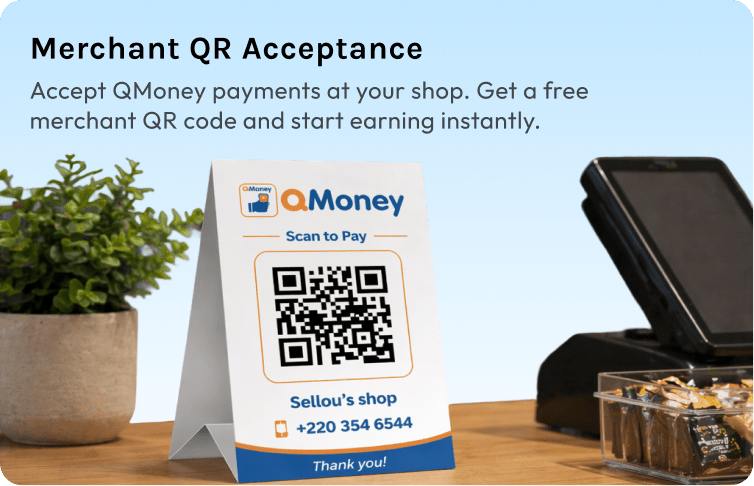
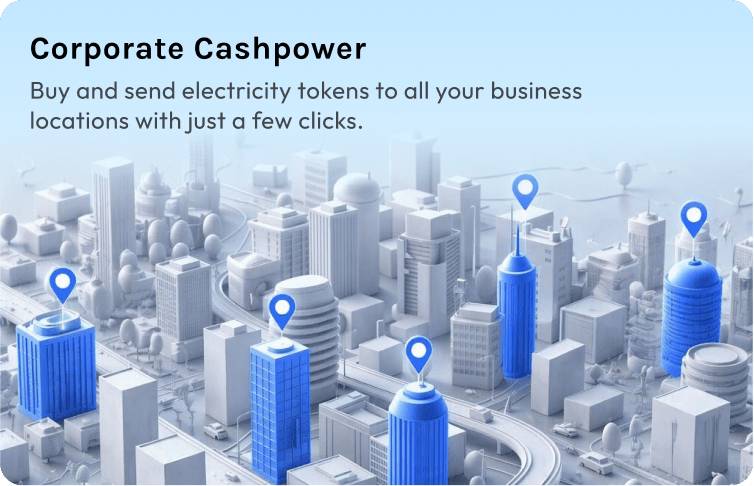
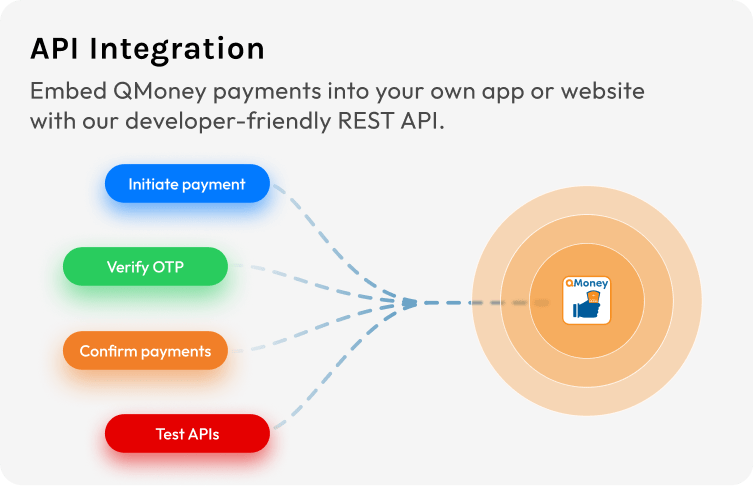
Pay staff, accept customer payments and manage business expenses while reducing the risks of handling cash.
Your PIN ensures that only you can approve transactions.
Receive confirmation of every transaction.
Contact customer care or visit an authorised agent.
Ready to get started with QMoney?
Download the QMoney app, dial the USSD code or visit
an authorised agent near you.
Available on the App Store and Google Playstore.
© 2026 QMoney. All rights reserved.